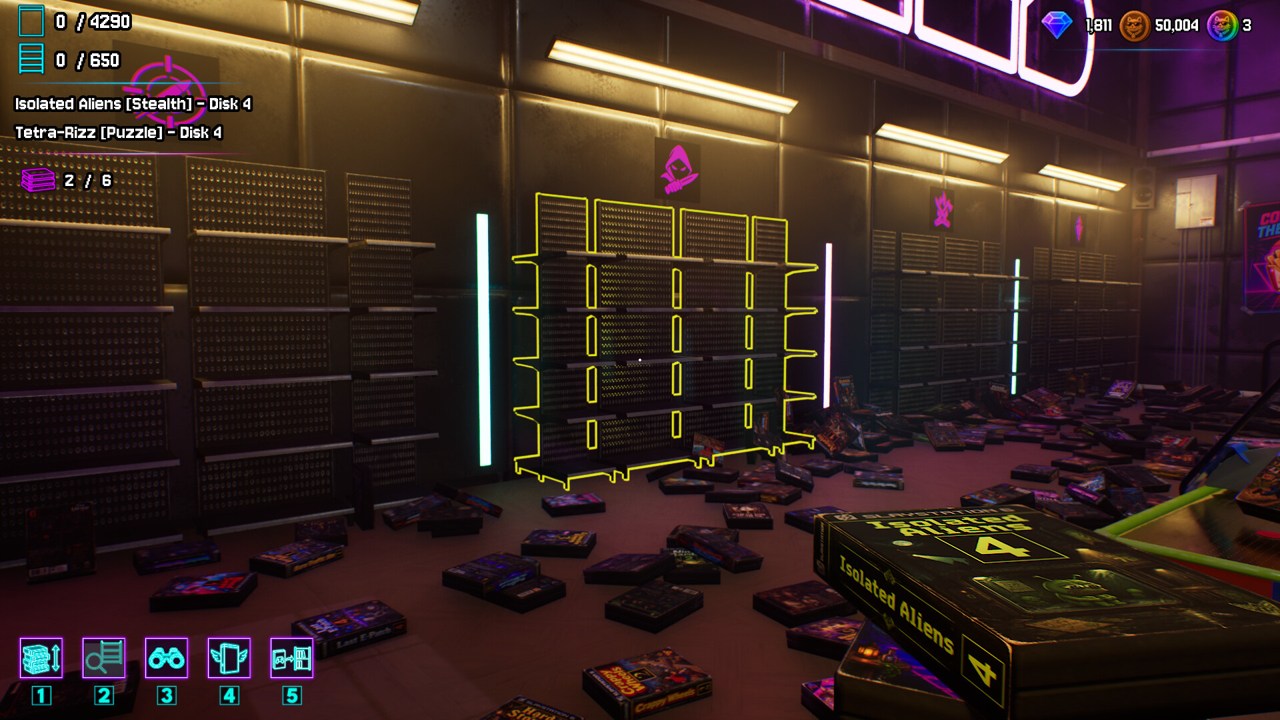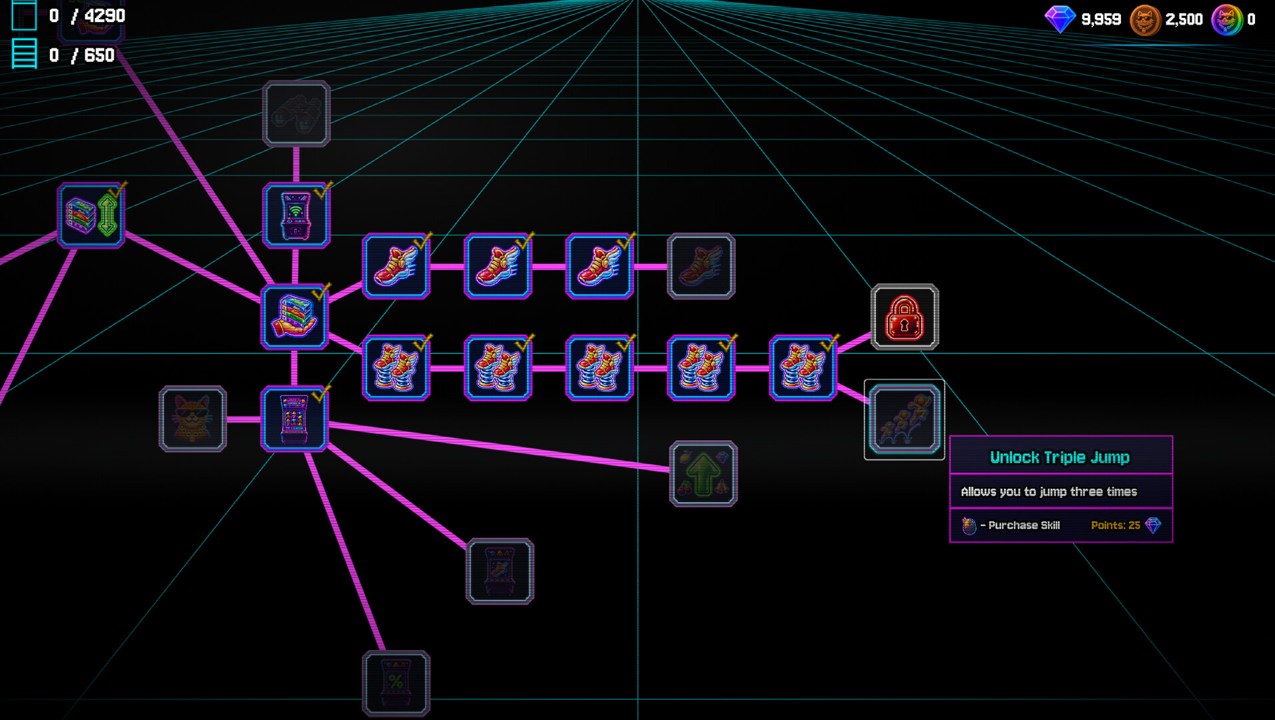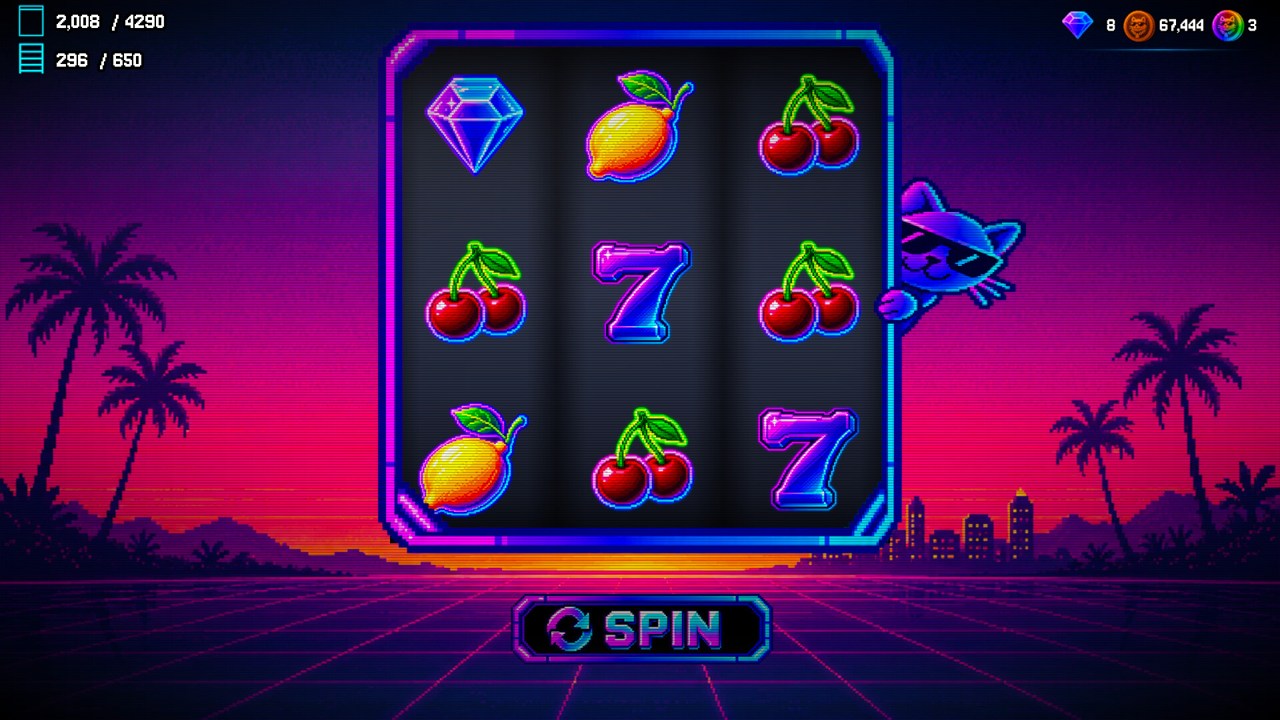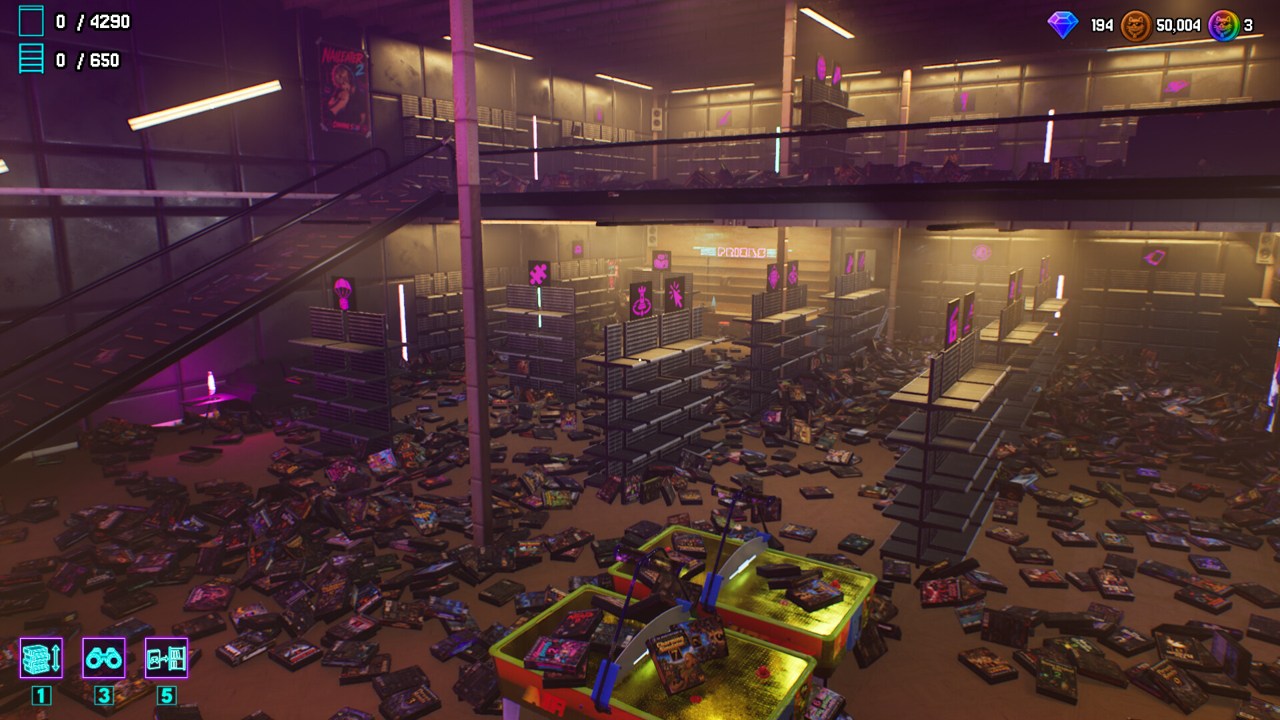
Check the missing series and disk numbers before searching the whole shop again. If the shelf looks complete but the counters disagree, investigate a completion-display problem first. Update 1.3 fixes both unreachable boxes and one false-completion bug, so installing that update is the first useful step for a launch-version save.
There are two different situations here: a box you have not found, and a box or shelf that will not behave correctly. More searching helps the first. It cannot be assumed to fix the second. Keep the symptoms separate so that you do not spend an hour hunting for a case already visible in front of you.
Establish what is actually missing
The official HUD shows a case total out of 4,290 and a series total out of 650. The Steam description separately says there are 96 racks. A rack is furniture containing more than one group; the progress count should not be interpreted as a count of 650 physical racks.
Look at the incomplete group and identify its series, genre and absent disk number. Case labels in the official screenshots include all three kinds of information. A vague note such as one box near the stairs is less useful than a specific missing disk in a known series. Make a short checklist if several groups are incomplete, and cross off an entry only after the case is placed and the totals agree.
Do not assume every series has the same length. The game's many numbered covers show why visual grouping alone is insufficient. The current shelf and label are your working reference; this guide does not invent the lengths of all 650 series or provide a supposedly complete parody lookup table.
Search with a route you can finish
Return first to the area where you gathered the rest of the series. Then make a pass around the accessible boundaries of that area: beside furniture, around counters and along the route you used to carry cases. Check each floor deliberately, rather than switching floors whenever another possibility occurs to you.
This order is a recommended search method, not a set of verified spawn coordinates. Its purpose is to make the search finite. After completing an area, mark it as checked and move to the next. Keep the missing labels visible in your notes so that interesting parody artwork does not distract you into collecting unrelated cases again.
Also inspect the cases you are already holding. If the selected item is not the one you intend to place, a correct destination can look unresponsive. Follow the current hand-selection prompt or control list before repeating the placement. See controls and settings if you are unsure which input the installed version expects.
What Update 1.3 repairs
The official announcement fixes a bug that let boxes enter inaccessible areas. It also adds an option to disable box collision, with collision disabled by default. That option addresses camera shaking while walking; it is not described as a universal recover-missing-item command.
The same update fixes incorrect information shown by the ability that reveals collected items, and increases lighting in especially dark areas. If you are following an old collectible display or searching an exceptionally dim corner, those changes matter. They do not establish where every hidden collectible is located or whether loading an old save relocates every previously unreachable box.
Do not create a fresh save as the first troubleshooting step. The patch notes do not instruct players to erase progress. Update, inspect the current save and record the remaining problem before considering a new run.
Shelf looks complete, counter stays unchanged
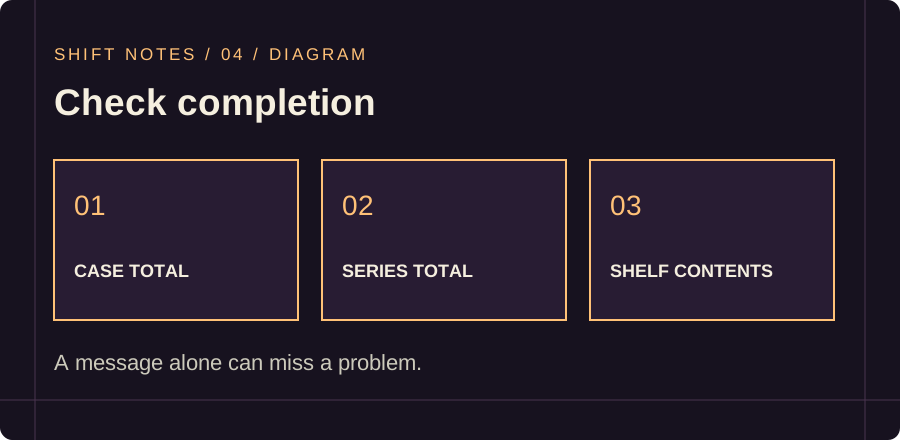
Patch 1.3 fixes a shelf being incorrectly displayed as complete when two abilities were used rapidly. If you see conflicting feedback, compare three things: the shelf contents, the case counter and the series counter. A completion label alone is not enough to establish that all required cases were placed.
Two separate community reports also describe trouble after a gambling-machine completion result. The second report says manual completion continues to work while the machine stops advancing progress. At the time checked, neither has an official answer confirming a fix.
Treat these as reported symptoms, not a proven diagnosis of your save. If ordinary placement works, continue that task and watch the totals. If a visible correct case cannot be placed, record the case label and intended slot instead of assuming that another spin will repair it. Our Jeff guide explains the separate 1.3 reward changes so that a removed token reward is not mistaken for a missing case.
Collectibles are a different checklist
The store confirms hidden collectibles that grant boosts. The achievement Gotta catch'em all! requires finding all collectibles. A clean shop or a complete case count does not, by itself, prove that you have met that separate condition.
Use your collected-item display after updating, and note which collectible is still missing if the interface identifies it. A full location map is not available here because the sources do not establish every location. Avoid treating a decoration seen in a promotional image as a confirmed remaining collectible in your save.
When to report the problem
If updating and checking the label do not resolve it, prepare a concise report with the installed version, exact case or series, both totals, recent ability or machine use and a screenshot of the blocked placement. Add whether ordinary placement still works elsewhere. Those details distinguish a wrong selection from a counter fault or unreachable item.
Use the official discussion hub for that report. Keep your existing save safe and avoid deletion, unsupported save edits or unverified console commands. The available reports do not justify promising a universal recovery procedure.
KEEP EXPLORING
Further reading
Steam game page · Update 1.3 · Community: machine progress report · Community: blocked placement report