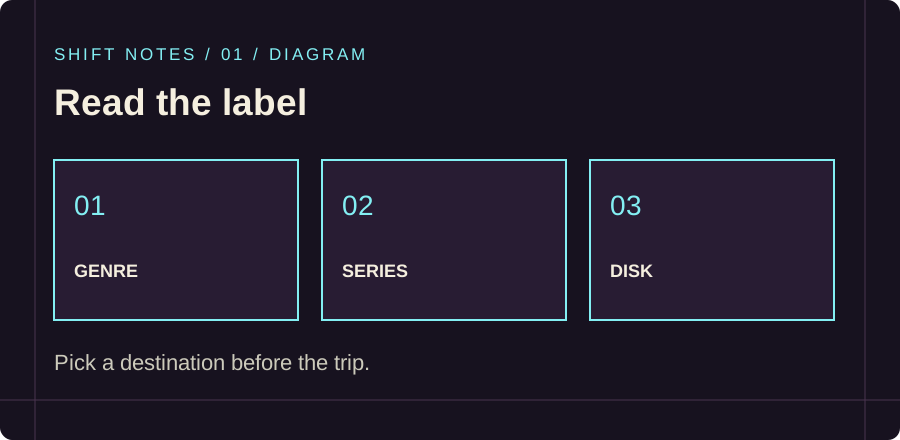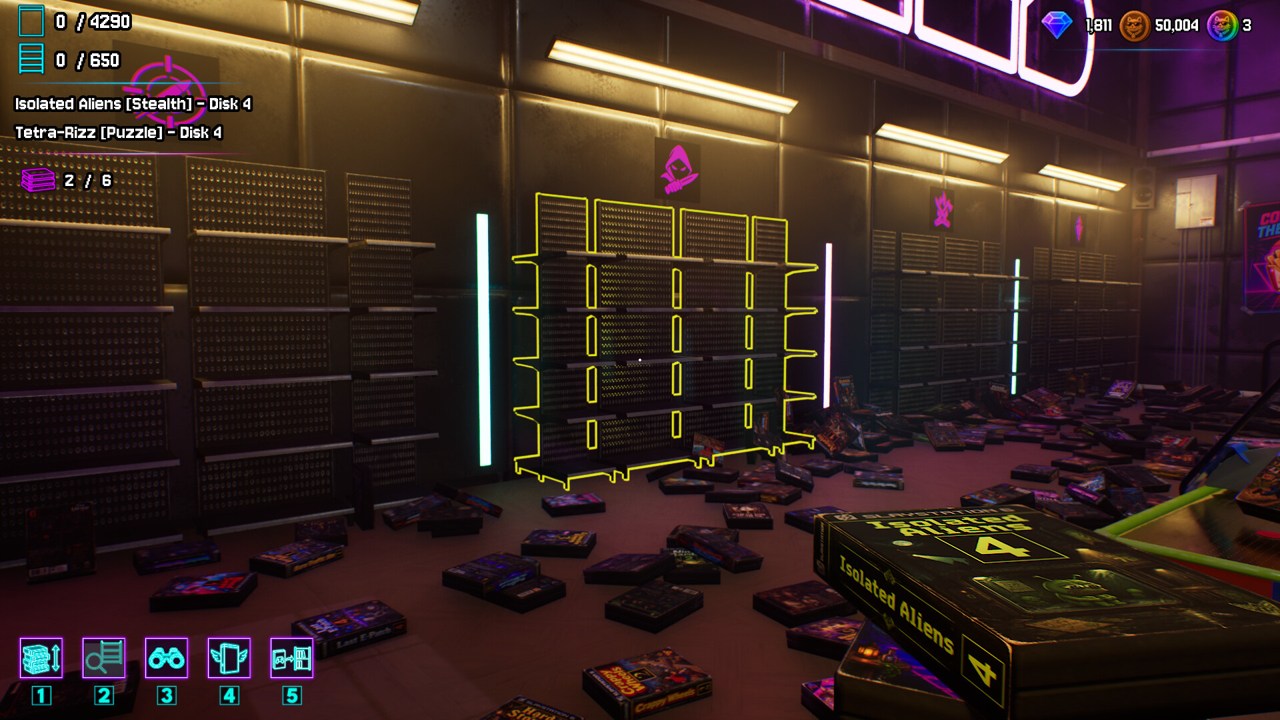
Start with the label on the case: match its genre, then its series and disk number. Work on one nearby group at a time instead of carrying unrelated cases across the shop. That is the simplest way to turn a room full of boxes into a repeatable sorting job.
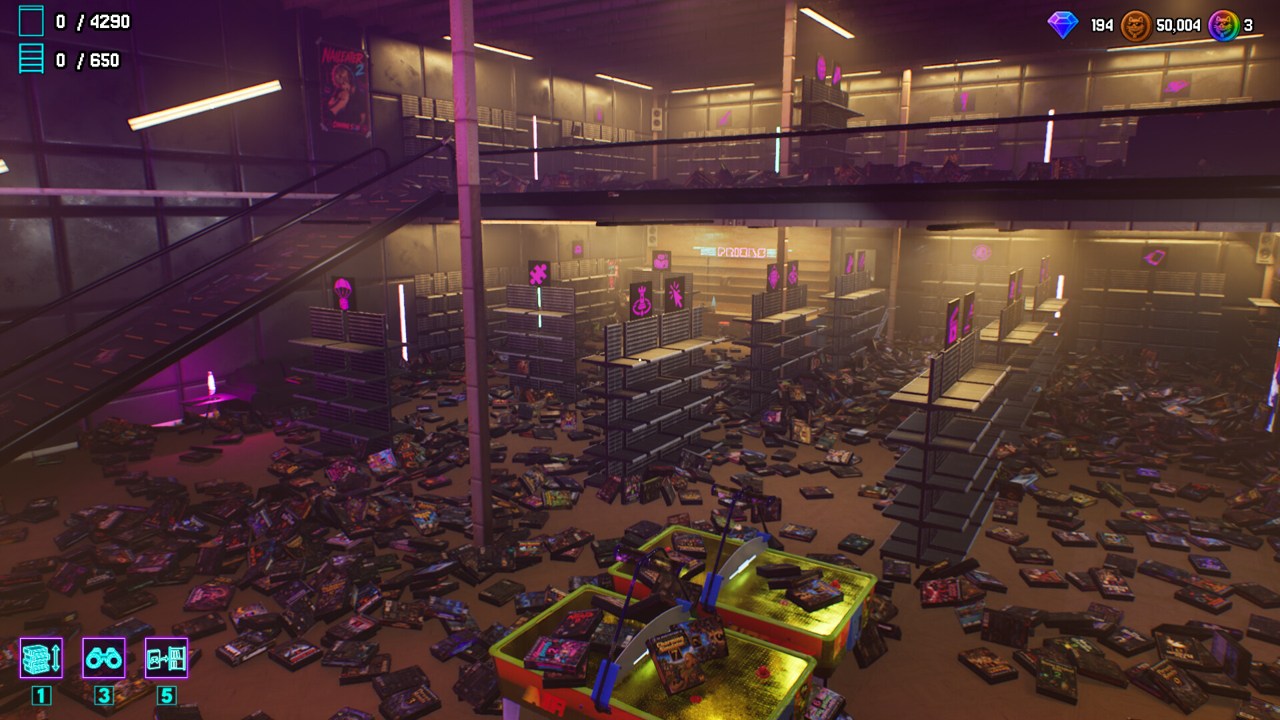
Game Keeper: Somebody Messed Up My Shop! asks you to restore 4,290 cases across 650 series and 96 racks. Those are three different counts. A rack is the large piece of furniture; a series is a group of related cases. Do not treat a rack as a single series, or expect the series counter to rise every time you put away one box. The totals come from the Steam game page; the two progress counters are also visible in its promotional screenshots.
Read three things before you move
The official images show hover labels containing a series name, a genre in brackets and a disk number. One example is Isolated Aliens, classified as Stealth, with Disk 4 selected. Another image shows Baldy's Gate with RPG and Disk 3. These are useful examples of the format, not a complete catalogue of the game's parodies.
Read the genre first because it tells you which area to investigate. Read the series next because several boxes in the same genre can still belong to different sets. Finally, check the disk number so that a correct series does not become a wrongly ordered row. Treat the parody cover as something to enjoy after you have identified the destination. Your memory of the real-world game being referenced is a less reliable sorting cue than the game's own label.
The store's genre legend is visible on two boards by the windows. If a neon symbol on a rack is unfamiliar, compare it with that legend instead of guessing from the shape. Learn a few symbols while working nearby; trying to memorize every category before picking up the first case adds an unnecessary job to the shift.
Choose a small working area
Pick a rack whose category you can recognize and inspect the floor around it. Collect matching cases before making the trip back to the rack. When a box belongs elsewhere, leave it for the relevant pass or remember its general location. This is a recommended workflow, rather than a rule enforced by the game: its purpose is to reduce journeys that accomplish only one placement.
Keep the working area small enough that you can remember where you have looked. A useful stopping point is a nearby collection of completed series, not a completely clean-looking patch of floor. A visually tidy corner can still contain incomplete sets, while a messy aisle may have many correctly shelved cases already.
When your hand is nearly full, decide whether to place the current group or continue looking for one obvious match. Avoid carrying a mixed collection simply because every empty hand slot feels wasteful. A full hand of unrelated categories can require more walking than a smaller, coherent batch. Use the on-screen hand count; promotional images showing a particular capacity are not a promise that every new save starts with that exact limit.
Place carefully, then check the counters
Aim at the intended shelving area and follow the current interaction prompt. Official images show highlighted shelf sections, which help distinguish the object you are targeting. If a placement fails, check the selected case, genre, series and position before deciding that the save is broken.
Patch 1.3 added mouse-button interaction and throwing, as well as a control list in Options. Use that current list when an older video shows different inputs. Our controls and settings guide explains the launch-era keyboard reports and the newer changes together.
After finishing a set, compare the case and series counters. If a shelf appears complete while the totals do not move, pause and inspect the contents. The 1.3 announcement describes a false-completion display caused by quickly using two abilities. An apparent success message is therefore less useful than checking both the physical shelf and the overall totals.
Upgrade the part of the job that slows you down
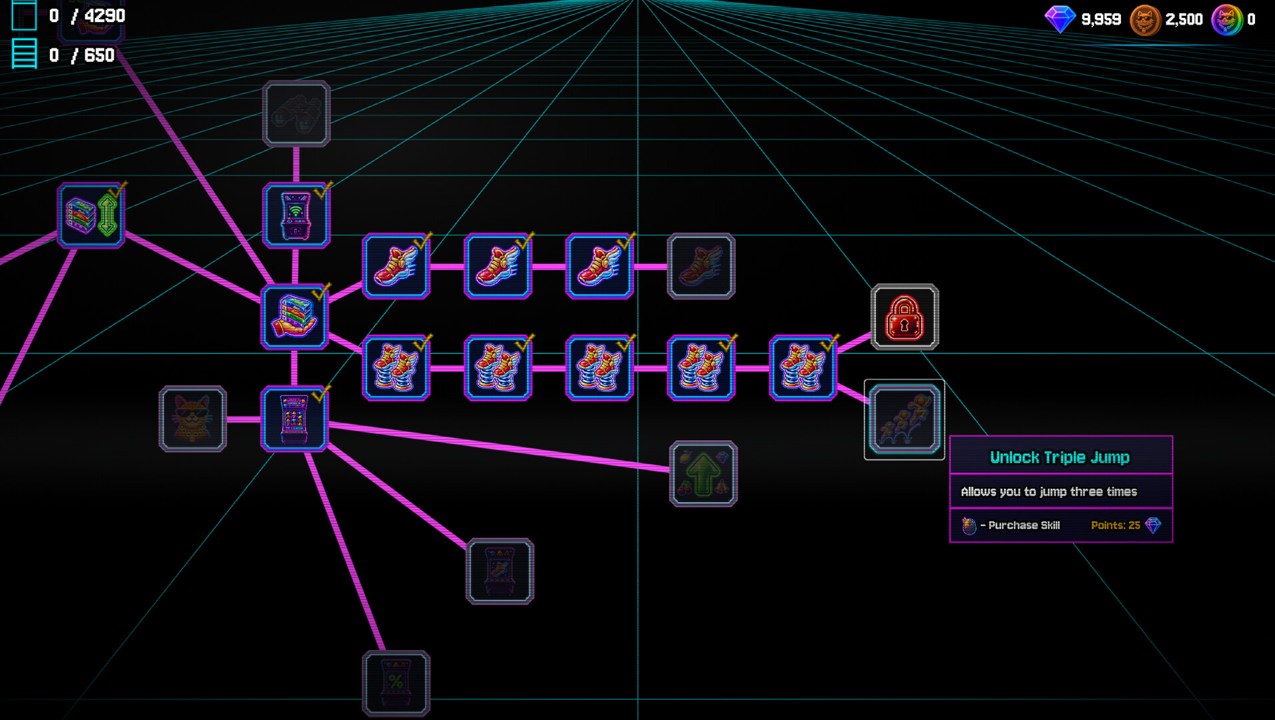
The official description confirms movement upgrades and abilities that can collect an entire series. Their value depends on what is currently wasting your time. If most of the shift is walking between known destinations, movement is a sensible priority. If finding the remaining pieces of a series is the bottleneck, inspect the relevant collection abilities instead. Read the current node description and cost before spending; this guide does not prescribe an unverified point-by-point build.
There is also a challenge that requires completing the game without spending skill points. Decide whether you want that run before following ordinary upgrade advice. For a normal first shift, learning the tree is part of the intended progression. For the no-spend challenge, buying even an appealing early upgrade conflicts with the achievement condition. See skill points and purchases and achievement planning.
Keep exploration separate from random searching
Hidden collectibles grant boosts, according to the Steam description. Make a deliberate exploration pass when you reach a new part of the shop, then return to sorting. Search the accessible edges of your working area, the counter surroundings and each floor you have not inspected. This is a practical search order, not a list of confirmed collectible coordinates.
If you are nearly done, switch from broad collection to a checklist: identify the incomplete series, note the missing disk numbers, then search for those specific labels. Do not restart the entire sorting routine for a single remaining box. Our missing-cases guide separates overlooked cases from the placement and counter problems players have reported.
Your next useful step
Finish one manageable group, inspect your progress, and decide what would make the next group faster. A steady routine is more useful than repeatedly switching between sorting, gambling and hunting collectibles without a clear goal. Jeff has already supplied enough chaos.
Further reading: official game description and screenshots, 1.3 changes, and the community keyboard discussion.